
WhatsApp Username Reservation Starts: How to Claim Yours in Pakistan

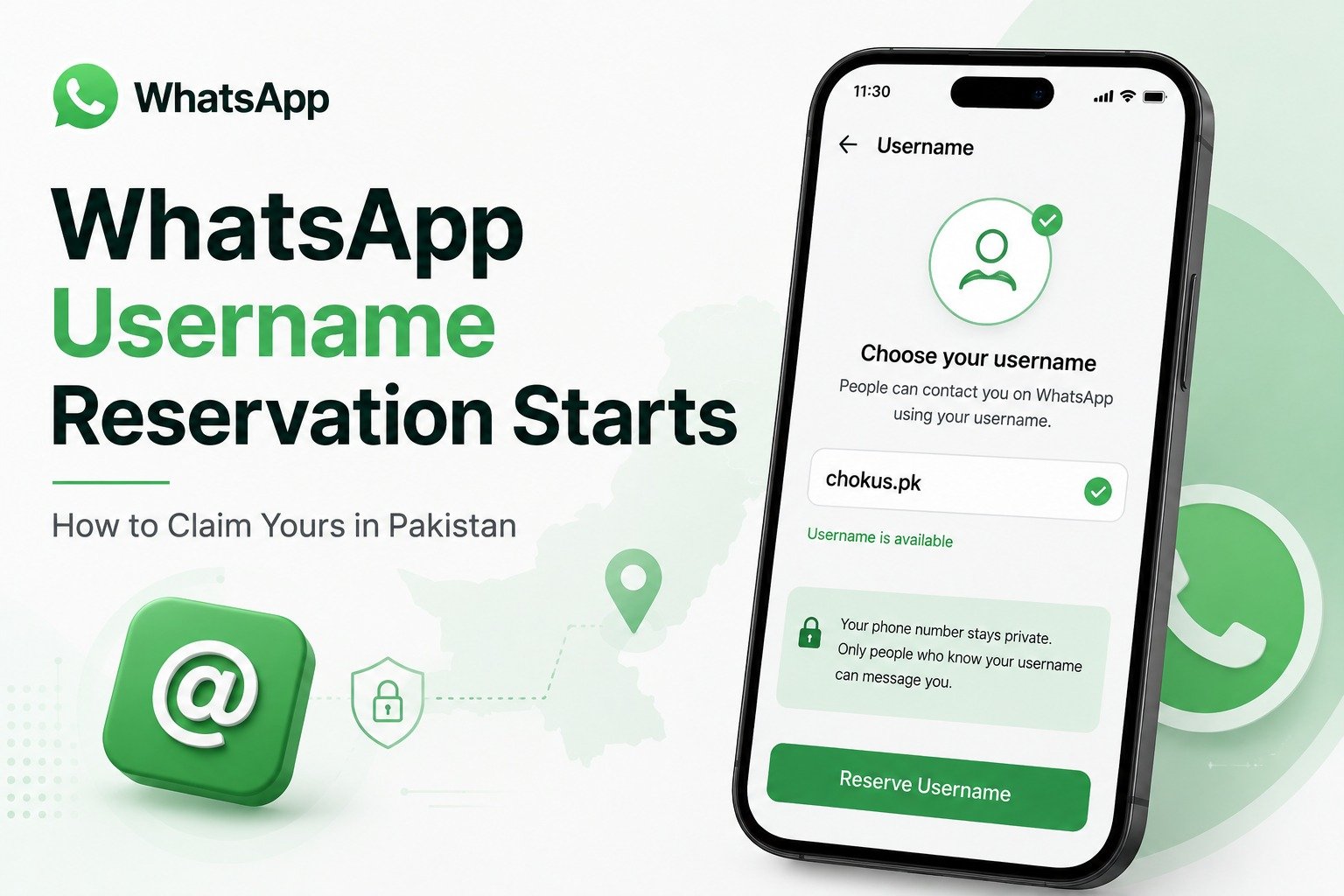
You know that moment when someone adds you to a random group chat and suddenly 47 strangers have your phone number? WhatsApp just solved that. On June 29, 2026, the platform quietly launched one of its biggest privacy changes in years: usernames. You can now connect with people on WhatsApp without ever handing over your digits.
The feature is not fully live yet, but here is the thing: reservations are open right now. With over three billion WhatsApp users globally, names are going fast. If you want “yourname” and not “yourname_2847”, the time to move is today.
What Are WhatsApp Usernames and How Do They Work?
This is not just a cosmetic update. Once the feature rolls out fully later in 2026, anyone messaging you for the first time will see your username instead of your phone number. Your existing contacts and conversations stay exactly the same, so there is no disruption to your current chats.
What changes is how strangers reach you. Join a neighbourhood group, a university community, or a business channel, and your actual number stays hidden. WhatsApp has also confirmed there is no searchable directory, which means someone cannot just browse and find you. They have to know your exact username to reach you at all.
That is a meaningful privacy shift for anyone who has ever felt uncomfortable sharing their number in a group chat with people they barely know. You can read the full announcement directly on the WhatsApp official blog.
WhatsApp Username Rules You Should Know Before Reserving
Before you rush to grab a username, here are the ground rules WhatsApp has set:
Rule | Detail |
Length | Between 3 and 35 characters |
Allowed characters | Lowercase letters, numbers, periods, and underscores only |
Banned prefixes/suffixes | Cannot start with “www.” or end in “.com”, “.net”, or similar domain suffixes |
Impersonation protection | Usernames linked to celebrities, public figures, and verified organisations are reserved and protected |
Cross platform availability | Each username must be unique across Meta platforms — if it is taken on Instagram or Facebook, it is unavailable here too |
How to Reserve Your WhatsApp Username Right Now
The process takes under a minute. Make sure WhatsApp is updated to its latest version before you start, since the username tab does not appear on older builds. If you get stuck at any point, the WhatsApp Help Center has step by step support for both Android and iPhone.
On Android:
- Open WhatsApp
- Tap the three dot icon at the top right
- Go to Settings, then Account
- Tap Username
- Type your preferred username or use WhatsApp’s built in generator if your first choice is taken
- Tap Save
On iPhone:
- Open WhatsApp
- Tap the You tab at the bottom right
- Go to Account
- Tap Username
- Type your preferred username or use the generator
- Tap Save
If you already have a username on Instagram or Facebook, WhatsApp will give you the option to port it directly, so your identity stays consistent across Meta’s platforms.
What is a WhatsApp Username Key?
WhatsApp has also added an optional “username key,” a four digit secondary code that people must know in addition to your username before they can message you. Think of it as a second lock. Even if someone knows your exact username, they still cannot reach you without the key. For most users, this is optional, but journalists, business owners, and anyone who values extra privacy will find it useful.
When Will WhatsApp Usernames Actually Go Live in Pakistan?
WhatsApp has not announced a specific date for Pakistan. The feature is rolling out gradually by country over the second half of 2026. Users will receive an in app notification once usernames become active in their region.
Reserving your username now does not mean you can use it today. It simply holds your spot before the feature goes live. Think of it as claiming a ticket number and waiting to be called. With Pakistan’s 5G rollout already underway in major cities, connectivity improvements may also speed up how quickly new WhatsApp features reach local users.
Should You Reserve Your WhatsApp Username Today?
Yes, and here is the honest reason why: username availability works exactly like it does on Instagram and Twitter. The longer you wait, the more likely your preferred name is already taken. With three billion users and a global reservation window that just opened, common names are disappearing fast. Your actual first name, your business name, or anything short and clean, grab it before someone else does.
Already reserved yours? Drop your username in the comments — and let us know if you had to get creative because your first choice was taken.
Last updated July 1, 2026, by the Chokus.pk tech desk, based on WhatsApp’s official announcement published June 29, 2026.
Frequently Asked Questions
Will my phone number still work after usernames launch?
Yes. Phone numbers are not going away. Existing contacts will continue to reach you the same way they always have. Usernames only affect how new contacts connect with you for the first time.
Is creating a WhatsApp username mandatory?
No. The feature is entirely optional. You can continue using WhatsApp exactly as you do now if you choose not to set one up.
Can I change my WhatsApp username later?
Yes. WhatsApp has confirmed that usernames can be changed or removed at any time after the feature officially launches.
What if my preferred username is already taken?
WhatsApp’s built in username generator will suggest available alternatives if your first choice is gone. You can also try variations using underscores or numbers.
Can businesses use WhatsApp usernames?
Yes. Businesses and creators can claim the same username they already use on Instagram and Facebook, which keeps their brand identity consistent across Meta’s platforms.
Is the WhatsApp username available in Pakistan yet?
Reservations are open globally right now, but the ability to actually use the username feature in conversations is rolling out gradually by country. Pakistan users will receive an in app notification when it goes live locally.

Top 10 Best Swimming Pools for Kids in Karachi for Safe Family Fun
Fastest 4G Network in Pakistan: Which Network Comes Out on Top?