
How to Check Registered SIMs on Your CNIC in Pakistan (2026 Full Guide)

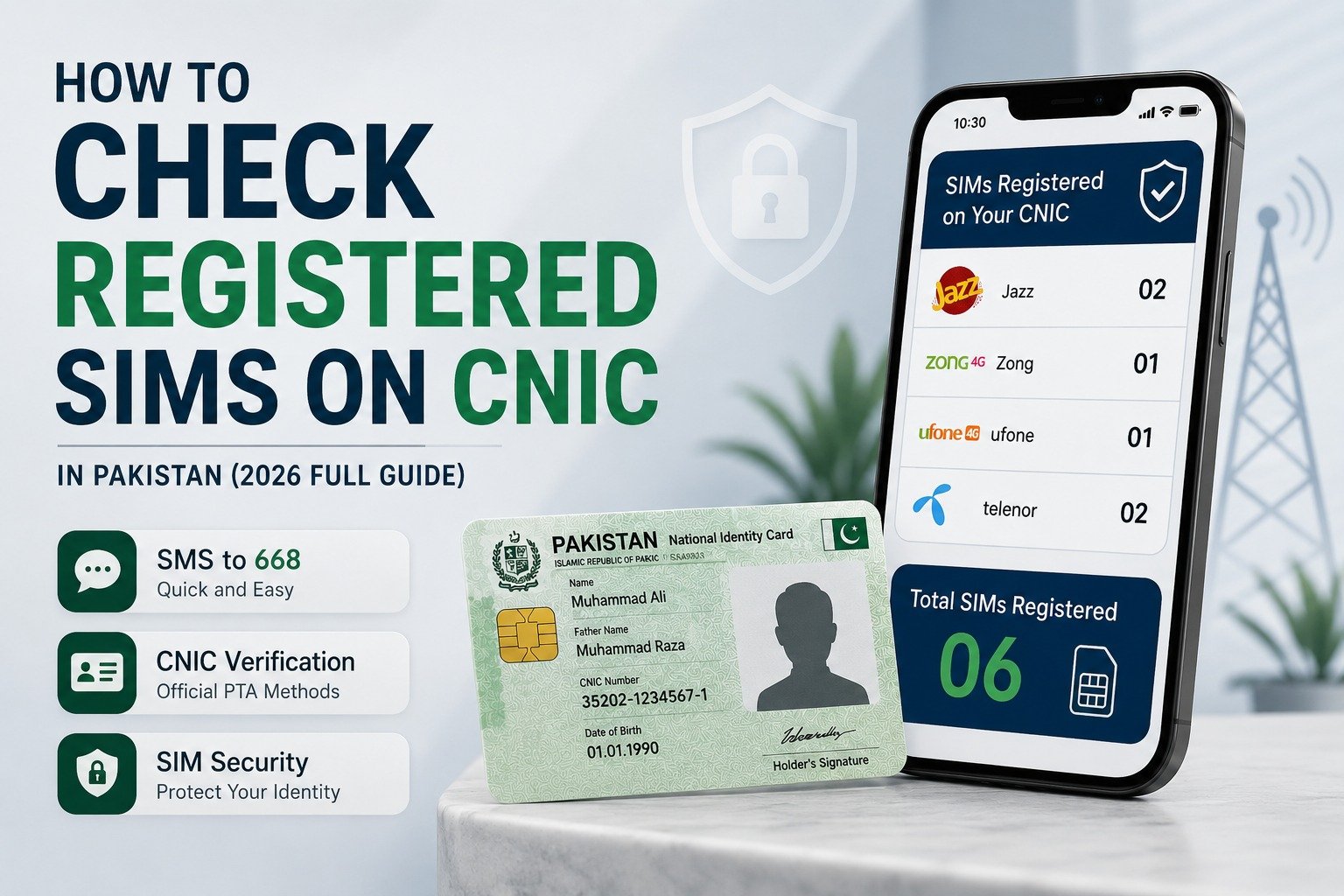
If you have ever changed mobile numbers, switched networks, or stopped using an old SIM, there is a good chance you do not know exactly how many SIM cards are currently registered on your CNIC.
Most people never check this information until they discover an unfamiliar SIM linked to their identity. In some cases, old numbers remain registered for years without the owner’s knowledge.
Fortunately, PTA provides two official ways to verify SIM registrations on your CNIC. In this guide, you’ll learn how to check registered SIMs through 668 SMS and the PTA SIM Information System, along with the steps to take if you find an unauthorized number.
Why Should You Check Registered SIMs on Your CNIC?
Most people only keep track of the numbers they actively use. However, old SIMs that were never properly closed can remain linked to your CNIC for years.
Regularly checking your SIM information can help you:
- Identify unauthorized SIM registrations
- Protect yourself from identity misuse
- Keep your telecom records accurate
- Avoid issues related to unknown numbers registered in your name
PTA introduced the SIM Information System specifically to allow mobile users to verify the SIMs associated with their CNIC and improve consumer protection.
Method 1: Check Registered SIMs Through 668 SMS
The fastest method is the PTA 668 service.
Simply open your messaging app, type your 13-digit CNIC number without dashes, and send it to 668.
For example:
3520112345671
Within a few moments, you will receive a reply showing the number of active SIMs registered against your CNIC under each mobile operator, including Jazz, Zong, Ufone, and Telenor. PTA officially supports this service for subscriber verification.
What Information Will You Receive?
The response does not display individual mobile numbers. Instead, it shows how many active SIMs are registered under each network on your CNIC.
This makes it easy to spot unusual registrations that you may not recognize.
Method 2: Check Registered SIMs Online Through PTA
If you prefer using a browser, PTA also provides an online SIM Information System.
Visit the official SIM Information portal, enter your CNIC number, complete the verification code, and submit the request.
The system will display an operator-wise breakdown of SIMs registered against your CNIC. This method is particularly useful for users who want a quick overview without sending an SMS.
What to Do If You Find Unauthorized SIMs?
Finding an unfamiliar SIM linked to your CNIC should never be ignored.
If the SIM count looks higher than expected or you notice registrations you cannot identify, take action immediately:
- Contact the relevant mobile operator
- Visit the nearest franchise or customer service center
- Carry your original CNIC for verification
- Request information about the unknown SIM
- Ask the operator to block or remove unauthorized numbers if necessary
The sooner the issue is reported, the lower the risk of misuse.
How Many SIMs Can Be Registered on One CNIC?
PTA allows multiple SIM registrations under a single CNIC, subject to regulatory limits.
If you have been using mobile services for many years, it is a good habit to review your SIM information periodically, especially after replacing or deactivating old numbers.
A quick check every few months can help ensure that your CNIC is linked only to the SIMs you actually use.
Frequently Asked Questions
How can I check SIMs registered on my CNIC?
You can check registered SIMs by sending your CNIC number to 668 or by using the PTA SIM Information System online.
Does 668 show all mobile numbers?
No. The service shows the number of active SIMs registered under each mobile operator but does not display the actual phone numbers.
Can I check SIM information online?
Yes. PTA provides an online SIM Information System that allows users to view operator-wise SIM registrations linked to their CNIC.
What should I do if an unknown SIM is registered on my CNIC?
Contact the relevant network operator and visit their franchise with your original CNIC to verify and resolve the issue.
Is checking SIM information important?
Yes. It helps protect your identity and ensures that no unauthorized SIMs are registered against your CNIC.
Final Thoughts
Checking SIMs registered on your CNIC is one of the simplest ways to protect your digital identity. Whether you use the 668 SMS service or the PTA SIM Information System, the process takes only a few minutes and can help you detect unauthorized registrations before they create bigger problems.

Top 10 Best Swimming Pools for Kids in Karachi for Safe Family Fun
Fastest 4G Network in Pakistan: Which Network Comes Out on Top?