
E-Challan Check Online Kaise Karein? Step-by-Step Complete Guide 2026

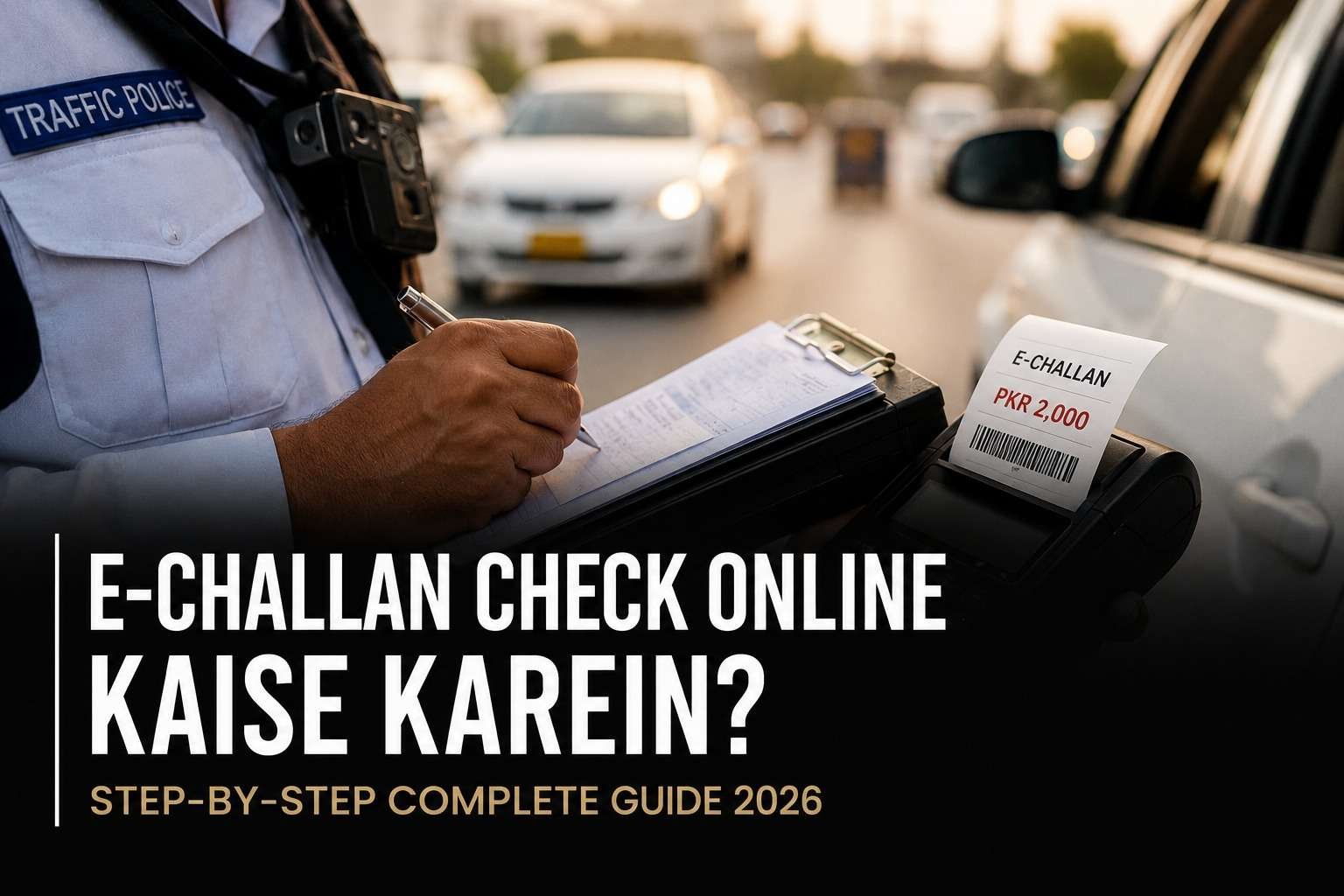
Your phone buzzes with an SMS saying your vehicle has a pending fine. Is this real, or another scam text? It’s a fair question, honestly, since fake challan messages have gotten common enough that even careful drivers second-guess themselves now. Here’s the short answer: a genuine e challan check online takes about two minutes, whether your vehicle is registered in Lahore, Karachi, or Islamabad. This guide walks you through telling a real one from a fake, verifying it properly, and paying it without any hassle.
Punjab, for instance, has pushed fine amounts up by 400% to 1000% since December 2025, so an unpaid challan today costs a lot more than it used to. That alone makes it worth doing an e challan check online regularly, even before you get any notification.
Quick Answer: E-Challan Check at a Glance
| Detail | Information |
| What you need | Vehicle registration number or CNIC |
| Cost to check | Free |
| Time required | 1 to 2 minutes |
| Punjab portal | echallan.psca.gop.pk (PSCA) |
| Sindh portal | Sindh Police Traffic Portal |
| Payment methods | JazzCash, Easypaisa, bank apps, ATM, bank branch |
| Recent fine increase (Punjab) | 400% to 1000% since December 2025 |
| License suspension trigger | 20 points in one year (Punjab DLIMS) |
E-Challan Kya Hota Hai?
An e-challan, or Electronic Challan, is a digital traffic fine. Camera-based Safe City systems or traffic police generate it automatically, without an officer stopping you on the spot. The moment a violation happens, whether it’s a jumped signal, overspeeding, or riding without a helmet, the system reads the number plate and links the challan directly to the owner’s CNIC. An SMS notification follows almost immediately, and from there an e challan check online shows you the full details in seconds.
Punjab, Sindh, Islamabad, and Khyber Pakhtunkhwa each manage this system through separate authorities, so the portal changes depending on your vehicle’s province of registration, though the checking process stays fairly consistent across all of them. It works on a similar principle to how PTA links every SIM card to a CNIC for verification. Haven’t checked your own SIM registration lately? Our Pakistan SIM codes and PTA verification guide walks through that process too.
How to Check E Challan Online: Step-by-Step
E challan check online is simple. All you need is your vehicle registration number or CNIC, and the entire process usually takes less than two minutes.
Step 1: Official Portal Par Jayein
Open your province’s official website for an online e challan check (full list below). Skip any random third-party link that asks for your CNIC. The URL should always end in .gov.pk, since copycat sites have started showing up in search results lately.
[Image description: Screenshot of official PSCA e-challan portal homepage showing vehicle number and CNIC input fields]
Step 2: Vehicle Number Ya CNIC Enter Karein
Two ways to run a check e challan online search:
- E challan check by CNIC: Enter your 13-digit CNIC number without dashes
- E challan by vehicle number: Type your number plate exactly as it appears (for example, LEA-1234)
Some portals accept either one alone; others ask for both together to confirm ownership.
[Image description: Close-up of the search form with CNIC field and vehicle registration number field highlighted]
Step 3: Complete the Captcha
Tick the “I’m not a robot” box, or whatever security check the portal throws at you.
Step 4: Click Search
Hit “Search” or “Check Challan,” and the system pulls up your full list of pending and paid challans, complete with violation type, date, location, and fine amount.
[Image description: Results page showing a table of challans with violation details, photo evidence, and payment status]
Step 5: Note the PSID or Challan Number
Got a pending challan? You’ll receive a unique PSID (Payment Slip ID) or challan number. Screenshot it, since you’ll need this exact number when you pay.
Province-Wise E-Challan Check Comparison
Since an e challan check online works a little differently depending on where your vehicle is registered, this table should point you to the right place immediately:
| Province/City | Managing Authority | Check Method | Official Portal |
| Punjab (Lahore, Rawalpindi, Faisalabad, Multan) | Punjab Safe Cities Authority (PSCA) | Vehicle number + CNIC | echallan.psca.gop.pk |
| Sindh (Karachi, Hyderabad, Sukkur) | Sindh Police + Excise & Taxation Dept | Vehicle number + CNIC | Sindh Police Traffic Portal |
| Islamabad | Islamabad Traffic Police (ITP) | Vehicle number or CNIC | ITP e-services portal |
| Khyber Pakhtunkhwa | KP Police Traffic Wardens | Vehicle registration number | KP Police official website |
| Balochistan | Balochistan Police (mostly manual) | In-person or limited online check | Local traffic office |
Punjab E-Challan Online Check: The Complete Process
The Punjab e-challan system is the most advanced in the country. PSCA started it in Lahore and has since expanded to Rawalpindi, Faisalabad, Multan, Gujranwala, Bahawalpur, and Sargodha. Simply head to the official PSCA e-challan portal, enter your vehicle number and CNIC, and the system shows violation details, photo evidence, and your PSID number within seconds.
For an e challan online check lahore specifically, the same steps apply, and it makes sense given Lahore is where PSCA’s cameras first went live. The city still has the densest coverage in Punjab, watching stretches like Mall Road, Canal Road, and Ferozepur Road. Helmet violations, three people on a bike, and signal jumping are the most common tickets here. There’s also a points system running quietly in the background: rack up 20 points in a year, and the system automatically suspends your license for 3 to 12 months, regardless of whether the fines themselves get paid.
Sindh E-Challan Online Check: For Karachi and the Rest of Sindh
Sindh Police and Karachi Traffic Police jointly run the Sindh e-challan system, in coordination with the Excise & Taxation Department Sindh. For an e challan online check karachi, the process leans almost entirely on cameras, so a human officer’s role in actually issuing the fine stays minimal.
Enter your vehicle number and CNIC on the Sindh Police Traffic Portal to pull up your record. Hyderabad, Sukkur, and Larkana are gradually joining the same coverage, so the same portal and steps work even if you’re outside Karachi.
Islamabad Aur KPK Mein E Challan Check Karna Hai
Islamabad residents can head to the Islamabad Traffic Police e-services portal and enter either their vehicle registration number or CNIC to pull up challan records instantly.
KPK’s coverage is still expanding, though major cities already let you verify a traffic e-challan using your vehicle registration number. Balochistan is the clear exception here. Camera-based enforcement hasn’t scaled up yet, so wardens still issue most challans there manually, on the spot, and there’s no single province-wide portal to lean on the way there is in Punjab or Sindh. If you’re driving in Quetta or elsewhere in the province, confirming directly with the local traffic office beats hunting for an online portal that may not fully cover your city yet.
How to Pay E Challan Online: Payment Methods
| Method | How It Works |
| JazzCash / Easypaisa | Open the app, go to “Bill Payments” or “Traffic Challan,” enter PSID, and confirm |
| Bank Apps (HBL, UBL, MCB, Meezan, ABL) | Use the “Traffic Fine” option under bill payments |
| ATM (1-Link) | Select the bill payment option, enter the challan details |
| Bank Branch | Visit Bank of Punjab or a partner bank with your printed slip |
Once your e challan check online confirms a pending fine, paying it is just as quick. Always save the receipt or a screenshot until the status flips to “Paid.”
Common Problems Aur Unke Solutions
Problem 1: The challan looks fake, or you’re not sure why it was issued
Solution: Re-verify on the official portal. A genuine challan always comes with photo evidence and a unique PSID, so skip any link sent from a random, unofficial SMS number.
Problem 2: Vehicle number or CNIC isn’t matching
Solution: Type your plate exactly as it appears, with no extra spaces, and enter your CNIC as 13 digits without dashes.
Problem 3: Status still shows “Pending” after payment
Solution: Give it a few hours to update. Keep your receipt, and if nothing changes after 24 to 48 hours, call the relevant department’s helpline directly.
Problem 4: The challan hit a vehicle you already sold, or one that was stolen
Solution: File an appeal through the official portal with your sale deed or FIR copy attached, then visit the concerned Traffic Officer’s office for verification. Punjab’s revised process now aims to close these appeals within 7 days.
Why Timely Payment Matters
Punjab’s DLIMS (Driving License Information Management System) keeps a permanent record of every violation, even after you’ve paid, and that record follows you well beyond the roads. Letting challans pile up unpaid can mean:
- Vehicle token renewal blocked by the Excise Department
- A delayed driving license renewal
- Your vehicle stopped or impounded at a checkpoint
- Higher insurance premiums, since some insurers now check violation history
That’s why it’s worth running a traffic challan online check every so often, even without a notification prompting you to.
Conclusion: Keep Your Vehicle’s Record Clean
E challan check online isn’t a matter of standing in long lines anymore. It’s a two-minute job. Whether you’re in Punjab, Sindh, Islamabad, or KPK, an official portal is ready to give you an instant answer the moment you enter your vehicle number or CNIC.
Check your record once a month, notification or not, so a surprise fine never catches you off guard at a checkpoint. A quick monthly check can also help you avoid blocked renewals, unnecessary penalties, and last minute surprises when you need your vehicle documents. Tell us in the comments if you’re stuck on a specific province’s process, we’ll try to help.
Written by the Chokus.pk Tech Desk. Last updated July 11, 2026, based on official notifications from PSCA, Sindh Police, and the Punjab government.
Frequently Asked Questions
E challan online check kaise karte hain?
Visit your province’s official portal (echallan.psca.gop.pk for Punjab), enter your vehicle number or CNIC, complete the captcha, and click “Search.” Your challan details show up immediately.
How to check e challan online without visiting an office?
The entire process runs from your phone or computer through your province’s official portal. No office visit is needed, unless you’re disputing a challan or your vehicle is registered in Balochistan, where the system still leans manual.
E challan check by CNIC possible hai kya?
Yes, most provinces let you check using just your 13-digit CNIC, since the system links your CNIC to your vehicle registration directly.
How to pay e challan online in Pakistan?
JazzCash, Easypaisa, bank mobile apps, an ATM, or a bank branch all work. Enter your challan or PSID number, confirm the amount, and save the receipt.
Punjab e challan aur Sindh e challan mein kya farak hai?
Punjab’s system runs through PSCA at echallan.psca.gop.pk, while Sindh Police and the Excise & Taxation Department jointly manage Sindh’s system. Checking by vehicle number and CNIC works the same way in both.
Kya e-challan check karne ki koi fees hai?
No, an e challan check online is completely free. Charges only kick in once you actually pay the fine.
Traffic police challan check karne ke liye kya cheezein chahiye?
Just your vehicle registration number and CNIC, nothing else, for an online check.
Agar mera challan galat hai to kya karoon?
File an appeal through the official portal, or visit the concerned Traffic Officer or CTO office with supporting evidence like a sale deed or FIR.
E challan na pay karne se kya hota hai?
Unpaid challans can block your token renewal, delay your license renewal, and in repeated cases, get your vehicle impounded. Under Punjab’s points system, they can also trigger a license suspension.
Kya main dusre shehar ka challan bhi online check kar sakta hoon?
Yes, as long as you’re on the correct province’s official portal (PSCA for Punjab, Sindh Police for Sindh), you can check any vehicle registered there.
Sindh e challan portal konsa hai? The official Sindh Police Traffic Portal or the Excise & Taxation Department Sindh website both work.
Kya SMS se bhi e-challan check ho sakta hai?
Some cities support SMS checking, where you text your vehicle number to a specific short code. Confirm the exact code with your city’s traffic police.
KPK aur Balochistan mein system kaisa hai?
KPK’s digital coverage is expanding but still trails Punjab and Sindh. Balochistan relies mostly on manual checks, so the local traffic office is your more reliable option there.

Top 10 Best Swimming Pools for Kids in Karachi for Safe Family Fun
Fastest 4G Network in Pakistan: Which Network Comes Out on Top?