
How to Block Lost or Stolen SIM in Pakistan

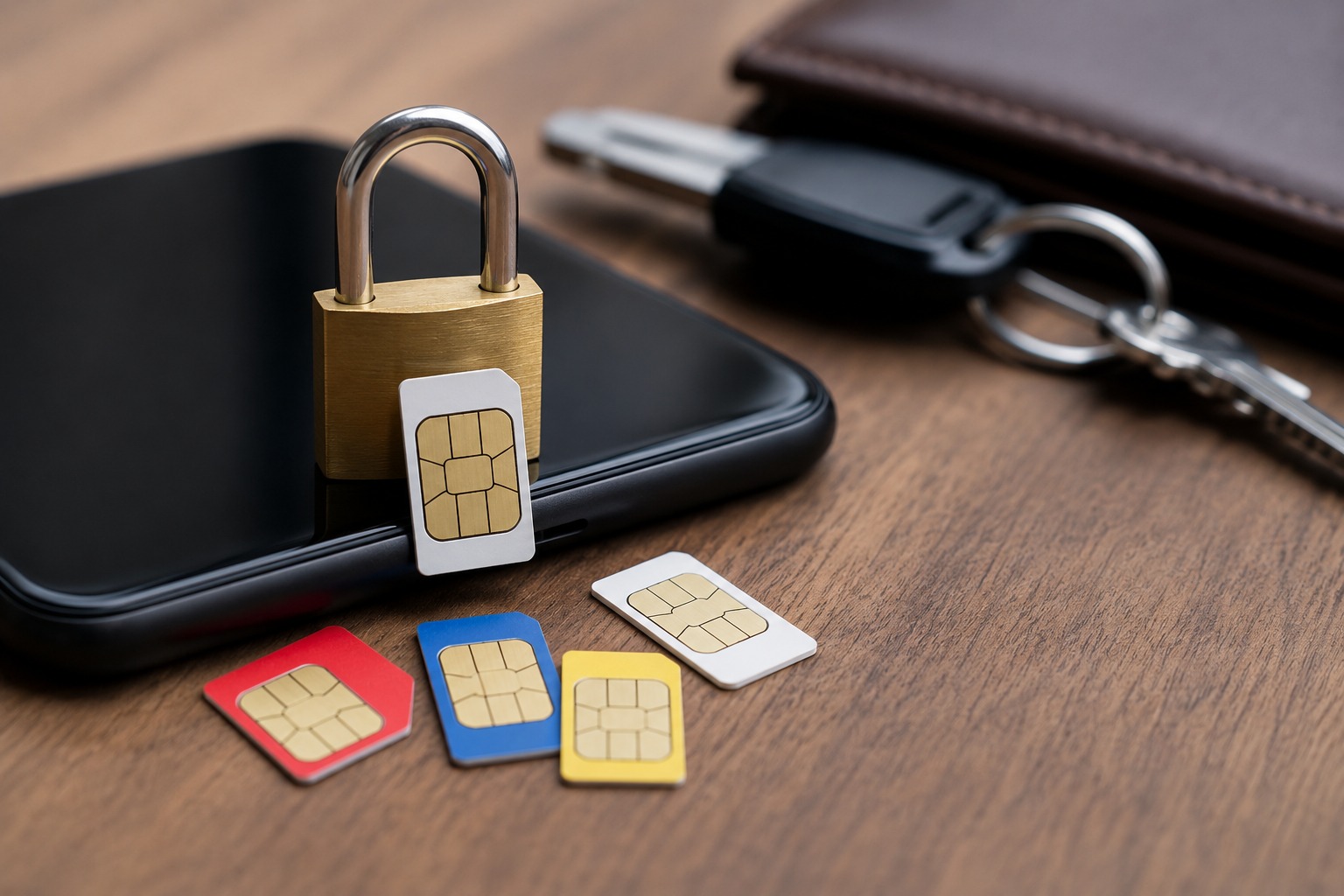
Losing a mobile phone or SIM card has become a common problem in Pakistan. Every day, people face mobile snatching, phone theft, and SIM misuse cases in cities like Karachi, Lahore, Islamabad, and Rawalpindi. What many users do not realize is that a stolen SIM card can be used for banking fraud, fake WhatsApp accounts, scam calls, and even illegal activities.
If your SIM falls into the wrong hands, scammers may try to access your social media accounts, mobile banking apps, or personal information through OTP verification codes. This is why taking immediate action is extremely important.
The good news is that all major telecom networks in Pakistan including Jazz, Zong, Telenor, and Ufone provide simple ways to suspend or deactivate a lost SIM quickly.
In this guide, you will learn:
- How to block a lost or stolen SIM in Pakistan
- Network-wise SIM blocking method
- Important security steps after SIM loss
- How to get a duplicate SIM safely
- Tips to protect your mobile number from misuse
Why You Should Immediately Block a Lost SIM
Many people think losing a SIM card is only a minor inconvenience. In reality, it can become a serious security risk if action is delayed.
Your mobile number is often connected to:
- Banking apps
- WhatsApp accounts
- Easypaisa or JazzCash wallets
- Gmail and social media accounts
- Online shopping accounts
- OTP verification systems
If someone gains access to your number, they may attempt to:
- Reset passwords
- Access mobile wallets
- Scam your friends and family
- Use your identity illegally
- Make unauthorized transactions
This is why immediately suspending your SIM can protect both your finances and personal data.
Immediate Steps After Losing Your SIM
If your phone or SIM gets lost, follow these steps immediately:
- Contact your mobile network helpline
- Request temporary SIM suspension
- Change passwords for important accounts
- Secure WhatsApp and banking apps
- Check for suspicious transactions
- Visit the nearest franchise if needed
- Apply for a duplicate SIM
Quick action can prevent major problems later.
How to Block a Lost or Stolen SIM in Pakistan
The process is simple and almost the same for every telecom network.
1. Call Your Mobile Network Helpline
The fastest way to deactivate your number is by contacting customer support.
Telecom Helpline Numbers in Pakistan
Mobile Network | Helpline Number |
Jazz | 111 |
Zong | 310 |
Telenor | 345 |
Ufone | 333 |
The customer representative may ask for:
- Your CNIC number
- SIM ownership details
- Last recharge information
- Recent call history
After verification, your SIM will usually be blocked immediately.
2. Visit the Nearest Franchise or Service Center
If you cannot complete verification through the helpline, visit the nearest franchise with your original CNIC.
The franchise staff can:
- Suspend the stolen SIM
- Issue a replacement SIM
- Restore your old mobile number
Most duplicate SIMs become active within a few hours.
3. Verify SIMs Registered on Your CNIC
The Pakistan Telecommunication Authority (PTA) allows users to check how many SIMs are registered against their CNIC. Users should also stay updated with the latest PTA New SIM Rules 2026 in Pakistan – Complete Guide to better understand SIM registration requirements, biometric verification rules, and telecom security regulations in Pakistan.
You can:
- Send your CNIC number to 668
- Use the PTA SIM Information System
- Verify unauthorized SIMs linked with your CNIC
This helps identify any unknown or suspicious SIMs registered against your identity and improves your mobile security awareness.
How to Block SIMs on Different Networks
How to Block a Jazz SIM
If your Jazz SIM is lost or stolen:
- Call 111 from another Jazz number
- Or dial 111-300-300 from any network
- Request SIM suspension
- Complete verification details
You can later visit a Jazz franchise for a duplicate SIM
How to Block a Zong SIM
Zong users can:
- Call 310
- Inform customer support about the lost SIM
- Verify ownership information
- Request immediate deactivation
Zong franchises also provide replacement SIM services.
How to Block a Telenor SIM
For Telenor customers:
- Dial 345
- Request temporary or permanent SIM blocking
- Verify your CNIC details
A duplicate SIM can later restore the same number.
How to Block a Ufone SIM
Ufone users should:
- Call 333
- Explain the issue
- Confirm ownership information
- Ask customer support to suspend the number
Real Examples from Pakistan
Mobile Snatching Case in Karachi
A university student in Karachi lost his phone during a street snatching incident. The thieves attempted to access his banking applications using OTP verification. Fortunately, he quickly contacted his network helpline and suspended the SIM before any financial loss occurred.
WhatsApp Scam Incident in Lahore
A businessman in Lahore delayed deactivating his stolen SIM for two days. During that time, scammers used his WhatsApp account to ask his contacts for money. Several people almost became victims of fraud.
This situation could have been avoided through immediate SIM blocking.
Easypaisa Fraud Attempt in Islamabad
A delivery rider accidentally lost his phone while traveling in Islamabad. Someone attempted to access his Easypaisa account through the registered number. Since he suspended the SIM within an hour, the unauthorized access attempt failed.
Important Security Steps After Blocking Your SIM
Many people think blocking the SIM is enough, but securing your online accounts is equally important.
Change Important Passwords
Immediately update passwords for:
- Gmail
- Banking applications
- Online wallets
- Shopping accounts
Use strong passwords and enable two-factor authentication where possible.
Secure Your WhatsApp Account
WhatsApp accounts linked with stolen SIMs are commonly targeted in Pakistan.
To secure your account:
- Re-login using your replacement SIM
- Enable two-step verification
- Add a recovery email
Inform Your Bank
If your mobile number is connected with banking services, immediately inform your bank.
This helps secure:
- OTP transactions
- Mobile banking access
- Debit or credit card alerts
Block Your Mobile Phone IMEI
You can also block your stolen phone through the Pakistan Telecommunication Authority DIRBS system.
Blocking the IMEI prevents the phone from operating on Pakistani mobile networks.
How to Get a Duplicate SIM in Pakistan
Once your SIM is blocked, you can request a replacement SIM from your telecom franchise.
Documents Required
Usually, you need:
- Original CNIC
- Fingerprint verification
- SIM ownership confirmation
Duplicate SIM Charges
Most telecom companies charge between:
- PKR 100 to PKR 500
Charges may vary depending on the network.
SIM Activation Time
Replacement SIMs are usually activated within:
- 30 minutes to 24 hours
During this period, the old SIM remains permanently disabled.
Tips to Protect Your SIM and Mobile Data
To avoid future problems, follow these security tips:
- Always use a screen lock
- Add a SIM PIN code
- Never share OTP codes
- Enable two-factor authentication
- Keep your CNIC details secure
- Regularly check registered SIMs
- Save telecom helpline numbers separately
- Avoid using public WiFi for banking apps
These small precautions can significantly improve your digital security.
Common Mistakes People Make After Losing a SIM
Delaying SIM Suspension
Many users wait several hours before contacting customer support. Scammers often misuse stolen SIMs quickly.
Ignoring Mobile Banking Risks
People sometimes forget that banking apps remain connected to their phone number even after losing the device.
Using SIMs Registered on Someone Else’s CNIC
Always use SIMs registered under your own CNIC to avoid future legal or verification problems.
Conclusion
Losing a SIM card or mobile phone in Pakistan can create serious privacy and financial risks if immediate action is not taken. A stolen SIM may give scammers access to your banking apps, WhatsApp account, and personal information.
Fortunately, telecom companies in Pakistan make it easy to suspend lost numbers through helplines and franchise centers. Whether you use Jazz, Zong, Telenor, or Ufone, acting quickly can protect your identity and prevent fraud.
After blocking the SIM, make sure to secure your online accounts, update passwords, and apply for a replacement SIM safely. A few quick steps today can save you from major problems later.
FAQs
1 How can I block a lost Jazz SIM in Pakistan?
You can call Jazz helpline 111 or visit the nearest Jazz franchise with your original CNIC to suspend the SIM.
2 Can PTA block stolen SIM cards?
The Pakistan Telecommunication Authority mainly provides SIM verification services, while telecom operators handle SIM blocking requests.
3 How long does duplicate SIM activation take?
Most replacement SIMs become active within a few hours, although some may take up to 24 hours.
4 What happens if someone misuses my SIM?
A stolen SIM can be used for fraud, fake calls, WhatsApp scams, or unauthorized account access. Immediate suspension helps reduce these risks.
5 Can I recover my WhatsApp account after SIM loss?
Yes. Once you receive your duplicate SIM, you can log back into WhatsApp and secure the account again.

Top 10 Best Swimming Pools for Kids in Karachi for Safe Family Fun
Fastest 4G Network in Pakistan: Which Network Comes Out on Top?